Built to find hard-to-describe photos on your phone.
PicGent helps you find photos that other apps miss—when your input is vague, highly detailed, or the OCR text is noisy. No more scrolling through thousands of images.
Search your library by meaning or by text inside images. Describe what you remember, or search for words from a screenshot, sign, menu, receipt, document, or note—and get results in seconds.
Example Searches
· “screenshot with the Wi‑Fi password”
· “Dior receipt”
· “note that mentions ‘meeting agenda’”
· "July 3rd medical examination report"
Currently available on iOS — Android version coming soon.

Features
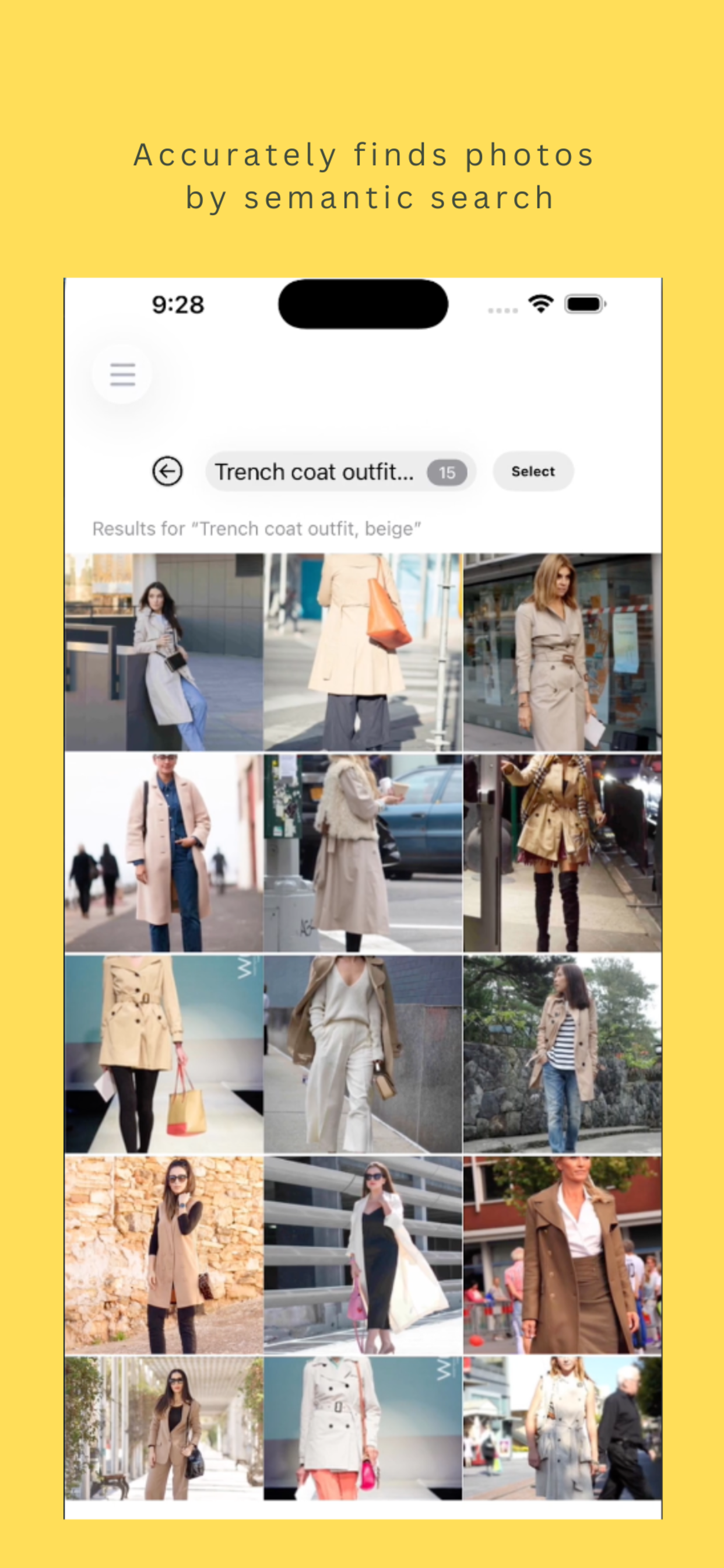
Two ways to find what you’re looking for
Search by what you remember, or by the text inside the photo.
Describe what you remember
Natural-language search across scenes, objects, and context. Try: “a latte with leaf-shaped foam art on a wooden cafe table,” “a crowded night market with colourful lanterns and food stalls.”
Find text inside your photos
OCR finds words inside your photos — screenshots, signs, menus, documents, notes, and receipts. Try: “Flight ticket from Osaka to LA“, “ppt of top 50 AI companies”.
How it works
Three steps. You control which photos the app sees.
1) Grant photo access
Pick Limited Photos and choose exactly which images the app can use, or grant full-library access — your call.
2) Sync
The app securely sends your selected photos to our servers to compute embeddings, then discards the photos on the servers. Embeddings come back to your device.
3) Search, select, share
Describe what you want → search runs on your device → pick the results → save to a new album or share.
Privacy
We process only what’s needed for search, and nothing more.
You stay in control
Grant Limited Photos access and pick exactly which images the app can use — at any time.
Photos aren’t kept
Selected photos are sent over TLS to compute embeddings, then permanently deleted from our servers. No photo or image data is retained.
Never for ads or training
Your photos are not used to identify you, profile you, train models, or sell to third parties.
FAQ
Quick answers before you download.
Do you store my photos?
No. Selected photos are sent over TLS to compute embeddings, then permanently deleted from our servers. No photo or image data is retained.
Can I choose which photos the app sees?
Yes. Grant Limited Photos access in iOS and pick exactly which images PicGent can use — or grant full-library access if you prefer.
What kinds of searches work best?
Natural-language descriptions of scenes, objects, or context (e.g. “A starfish on the beach”), and text inside photos via OCR (e.g. “ppt of top 50 AI companies of 2025”). Vague inputs still work.
What languages does it support?
English and Chinese.